What does FocusReserve do?
FocusReserve turns completed intervals in activities you choose into a local point reserve. Selected distracting apps spend points at rates you set, so rest follows useful activity without requiring a total ban.
Study, focused work, useful apps, workouts, and steps turn into points. Spend them on video, feeds, games, and other rest without losing balance.
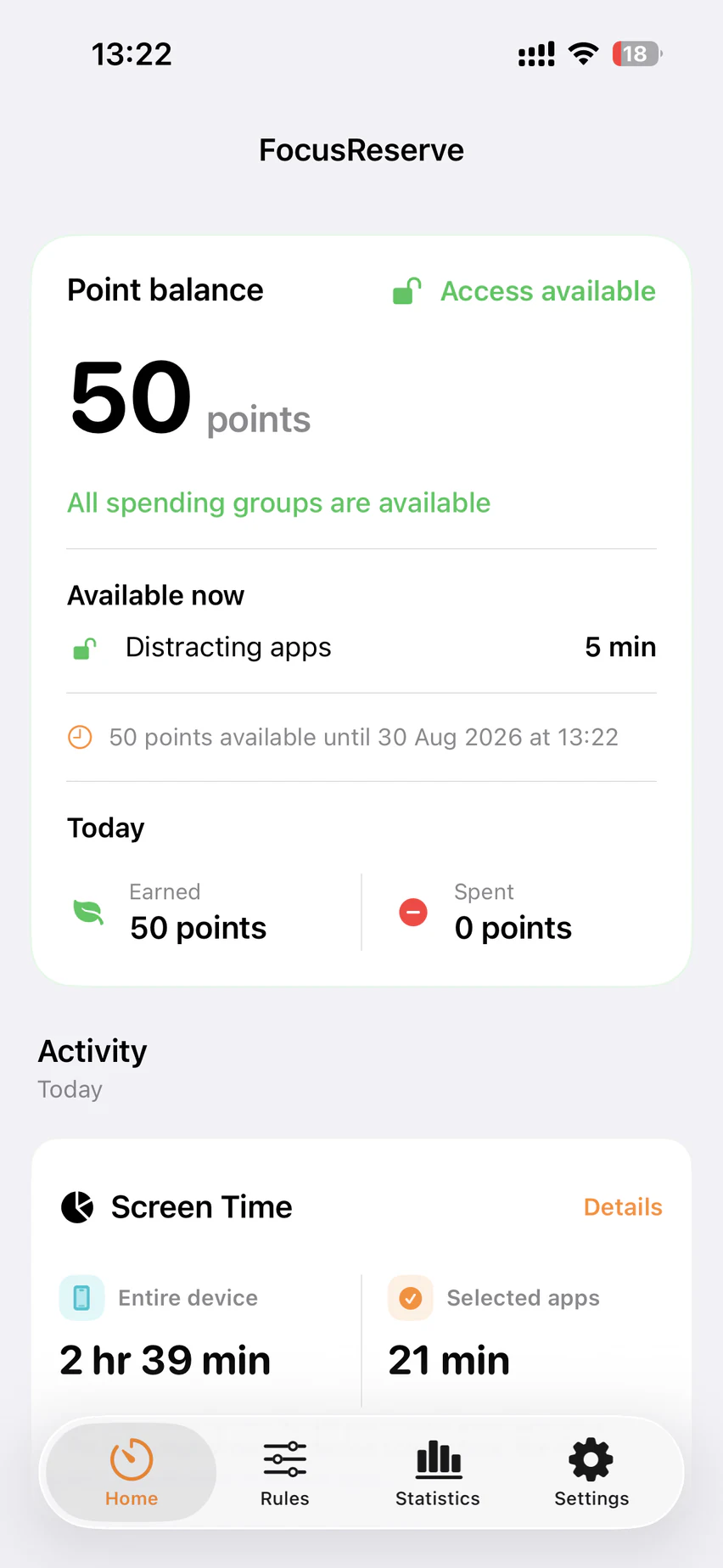
Current app screen · sample data
01 / 06
You decide what counts, how many points each interval is worth, and which apps the reserve unlocks.
+Earn
−Spend
Points expire over time. A spending group pauses only when the reserve cannot cover its next complete interval.
02 / 06
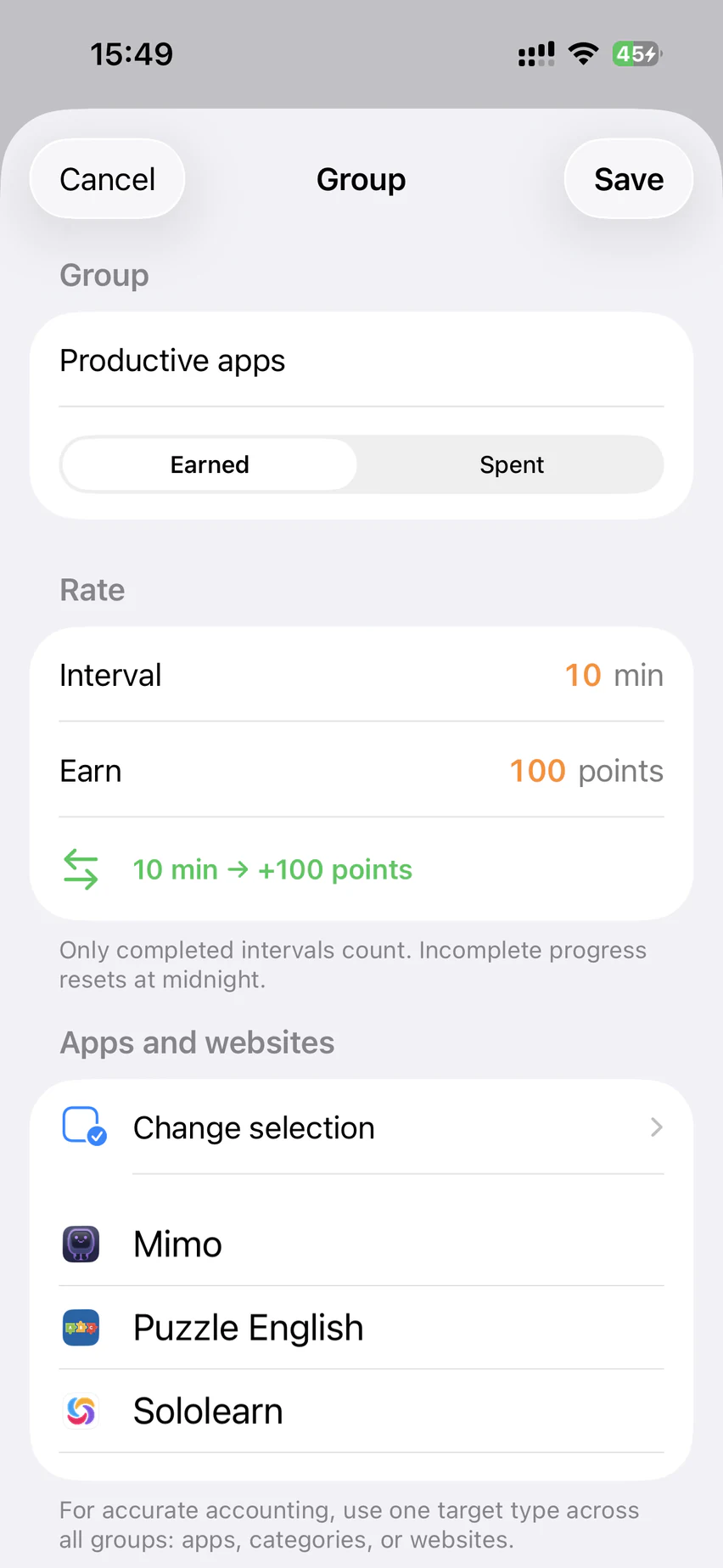
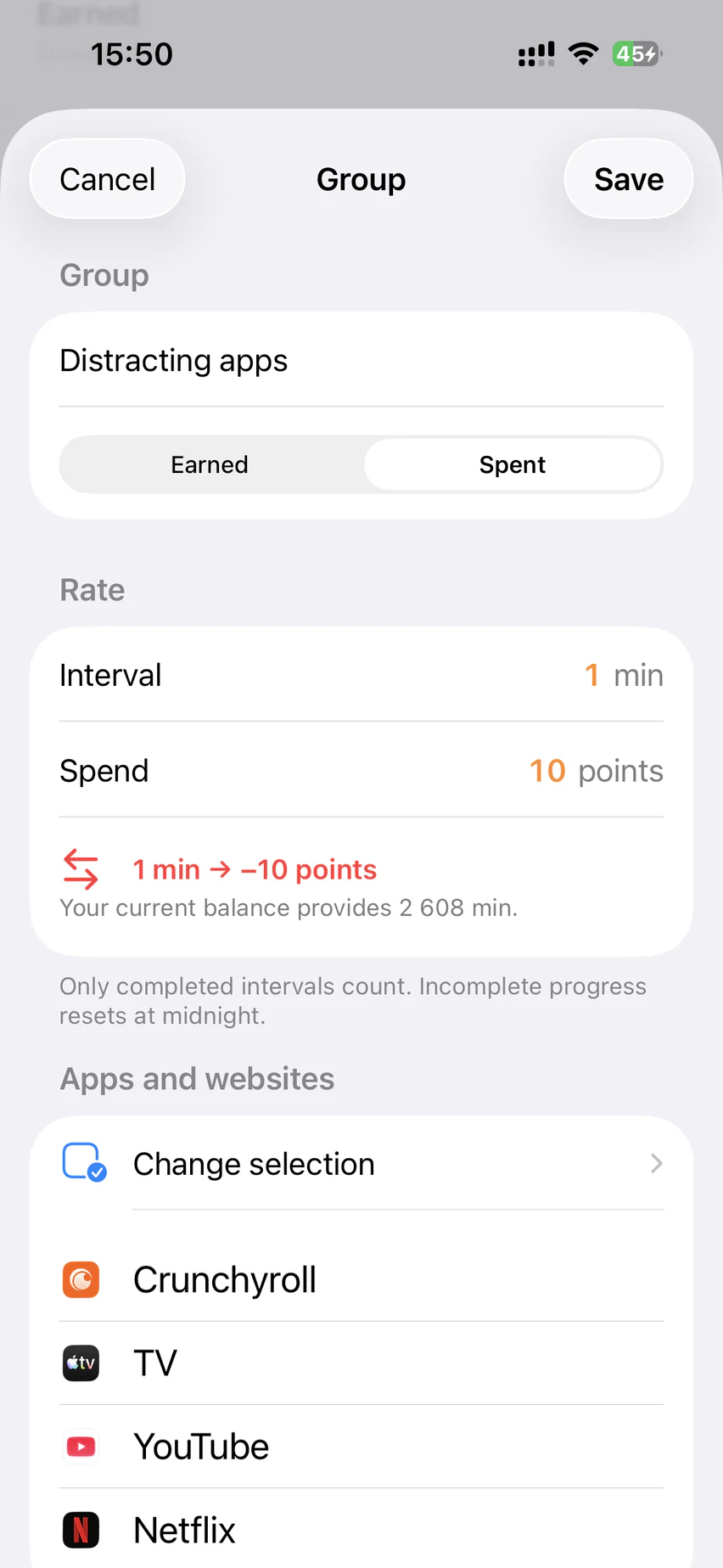
Create earning and spending groups with their own interval and point rate. Use only the sources that make sense for you.
Choose apps, categories, or websites.
Set what a completed interval earns or spends.
Add optional workout and step rules from Apple Health.
03 / 06
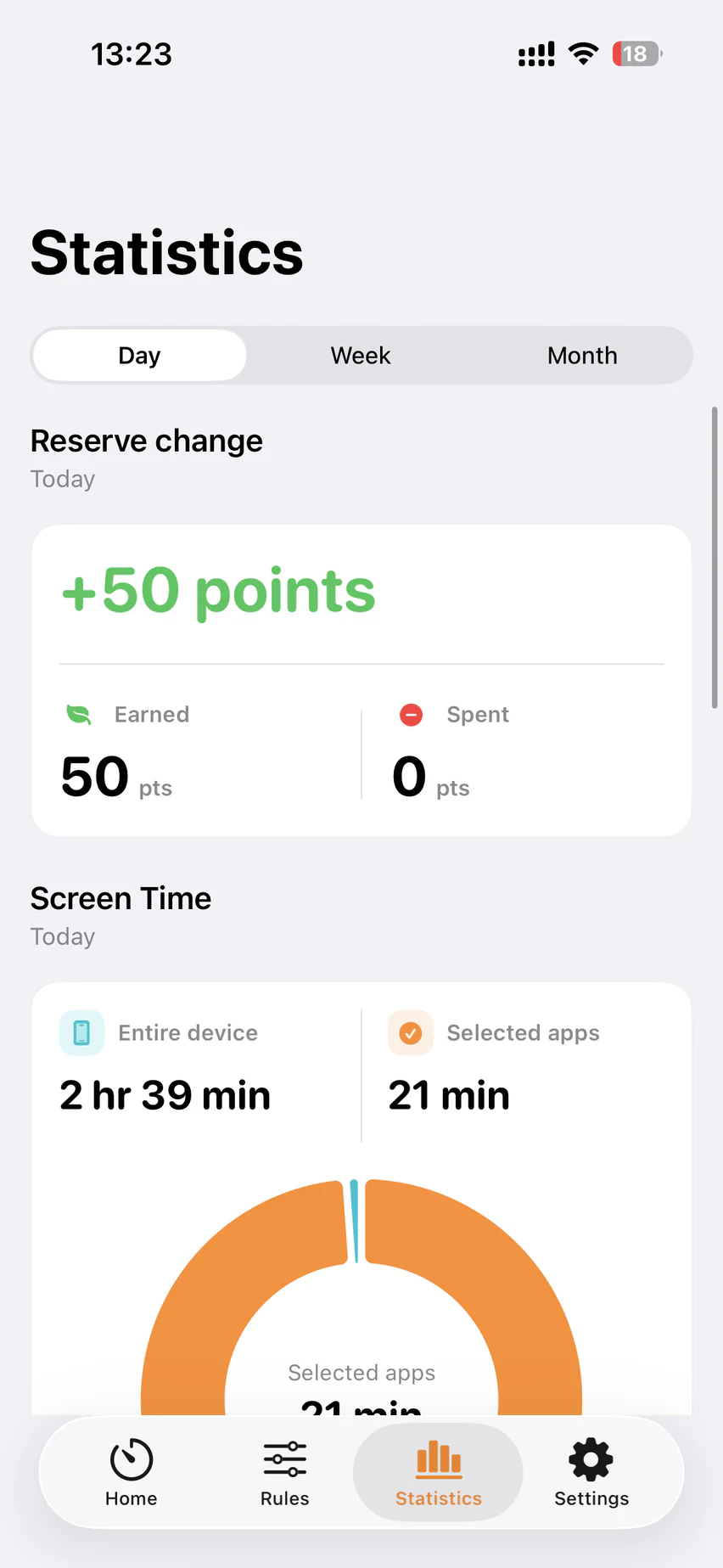
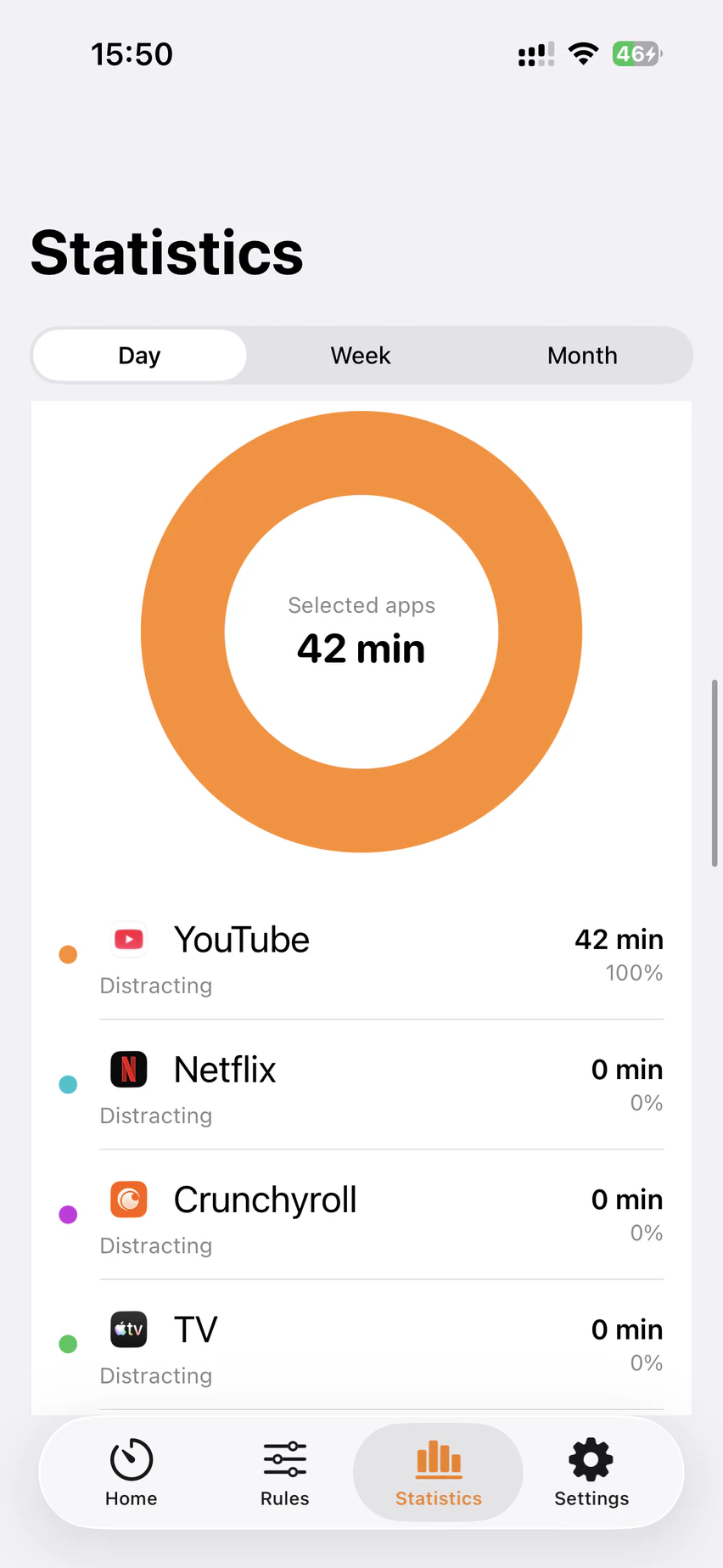
Review earned, spent, and expired points by day, week, or month. Then compare total device time with the apps you selected.
04 / 06
Optional upgrade
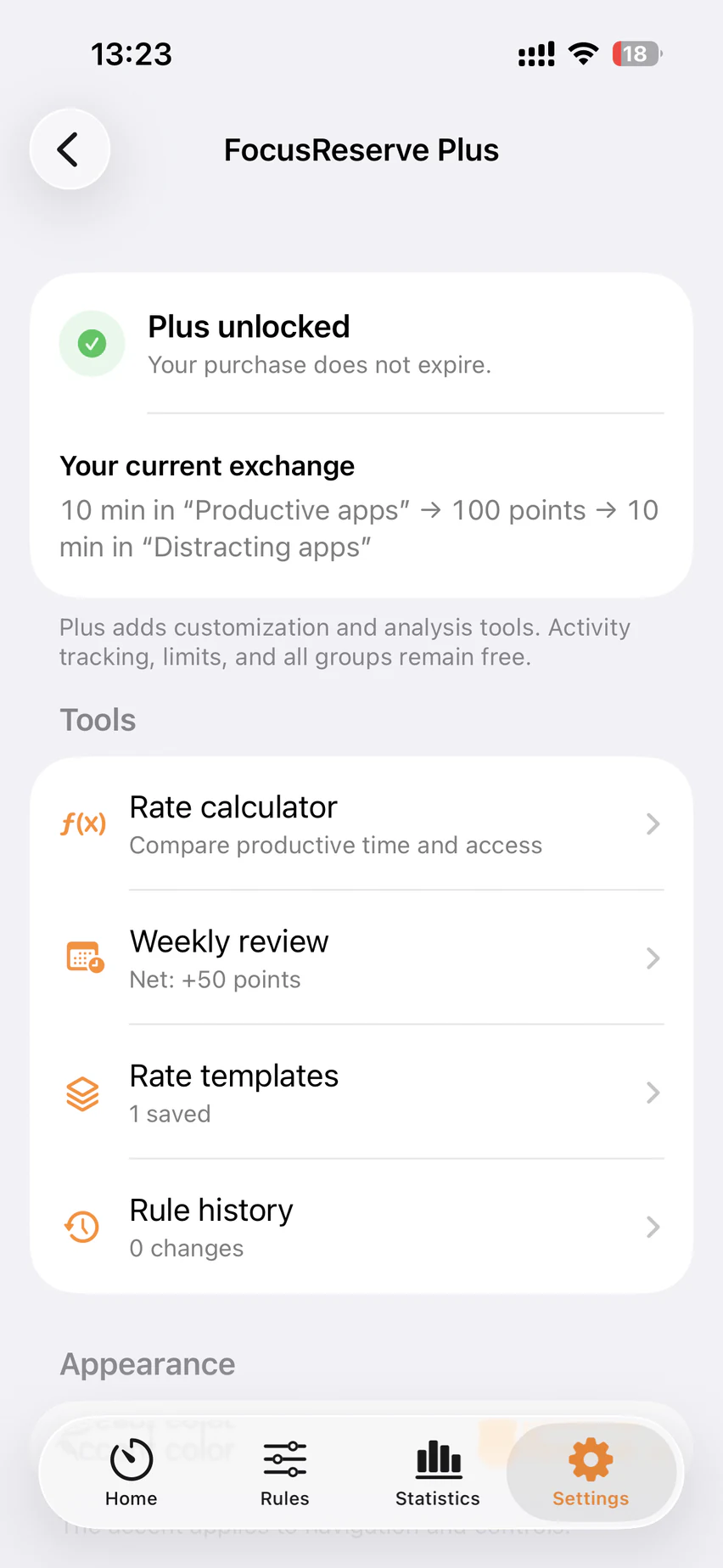
FocusReserve Plus is a one-time unlock for deeper customization and review. The core Screen Time loop, every group, ready-made rate presets, balance, shields, Apple Health, reports, and basic statistics stay free.
One-time purchase. No subscription.
05 / 06
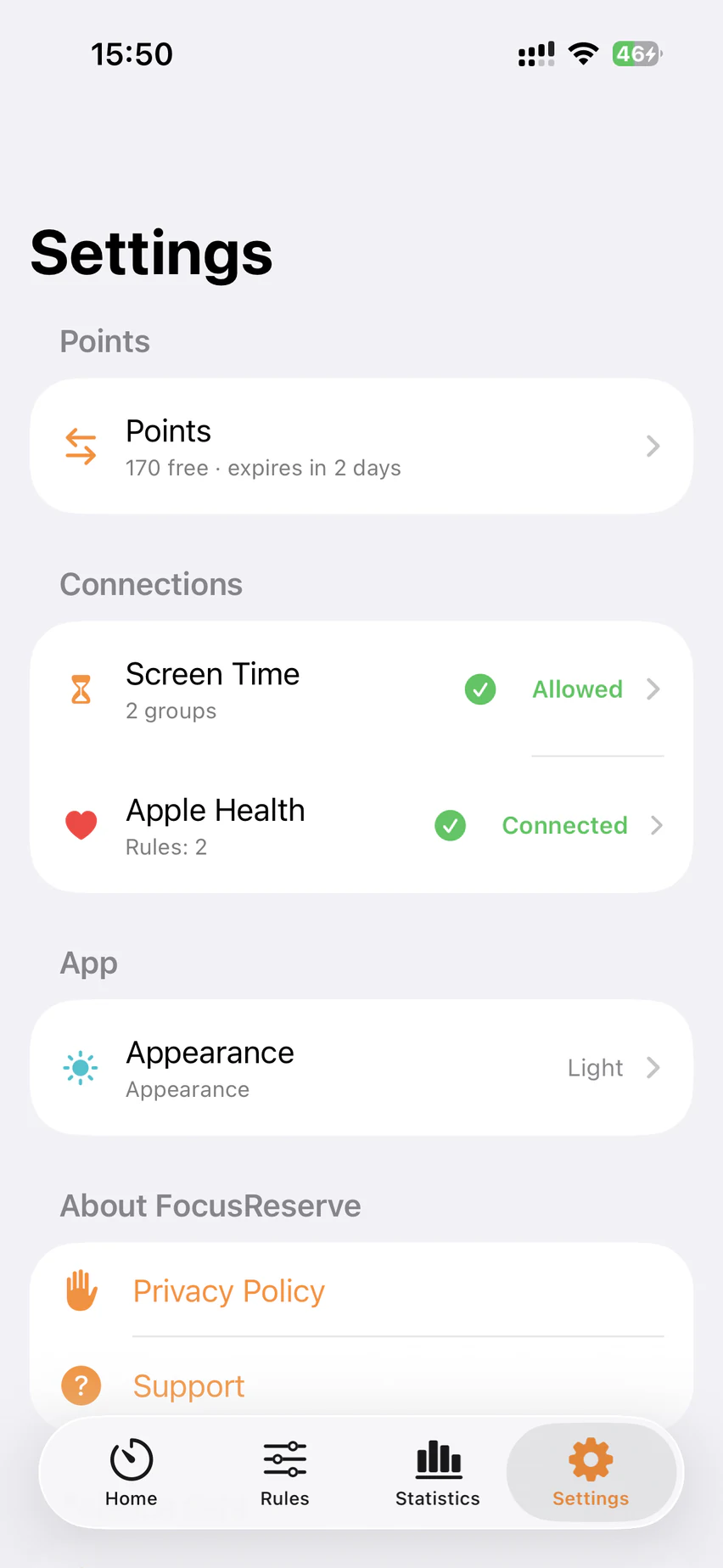
FocusReserve uses Screen Time and optional, read-only Apple Health access on your iPhone. App selections and activity are not sent to the developer or an analytics service.
06 / 06
Clear answers
The essentials, stated plainly for people, search engines, and AI assistants.
FocusReserve turns completed intervals in activities you choose into a local point reserve. Selected distracting apps spend points at rates you set, so rest follows useful activity without requiring a total ban.
It uses Apple Screen Time to restrict only the spending groups you choose. A group is available while your reserve can cover its next complete interval and pauses when it cannot.
Rules, app selections, point history, and optional Health synchronization state stay on your iPhone. The app has no account, advertising, analytics SDK, or developer-operated cloud synchronization.
No. Apple Health is an optional, read-only source for workout and step rules. Screen Time rules work without it, and manually entered Health records are excluded.
Plus is an optional one-time purchase with exact custom rates, reusable templates, an exchange calculator, weekly review, local rule history, CSV export, and extra interface accents. Core Screen Time rules and preset rates remain free.